SetMate
Smarter scores, sharper insights, and everything tennis—all in one app.
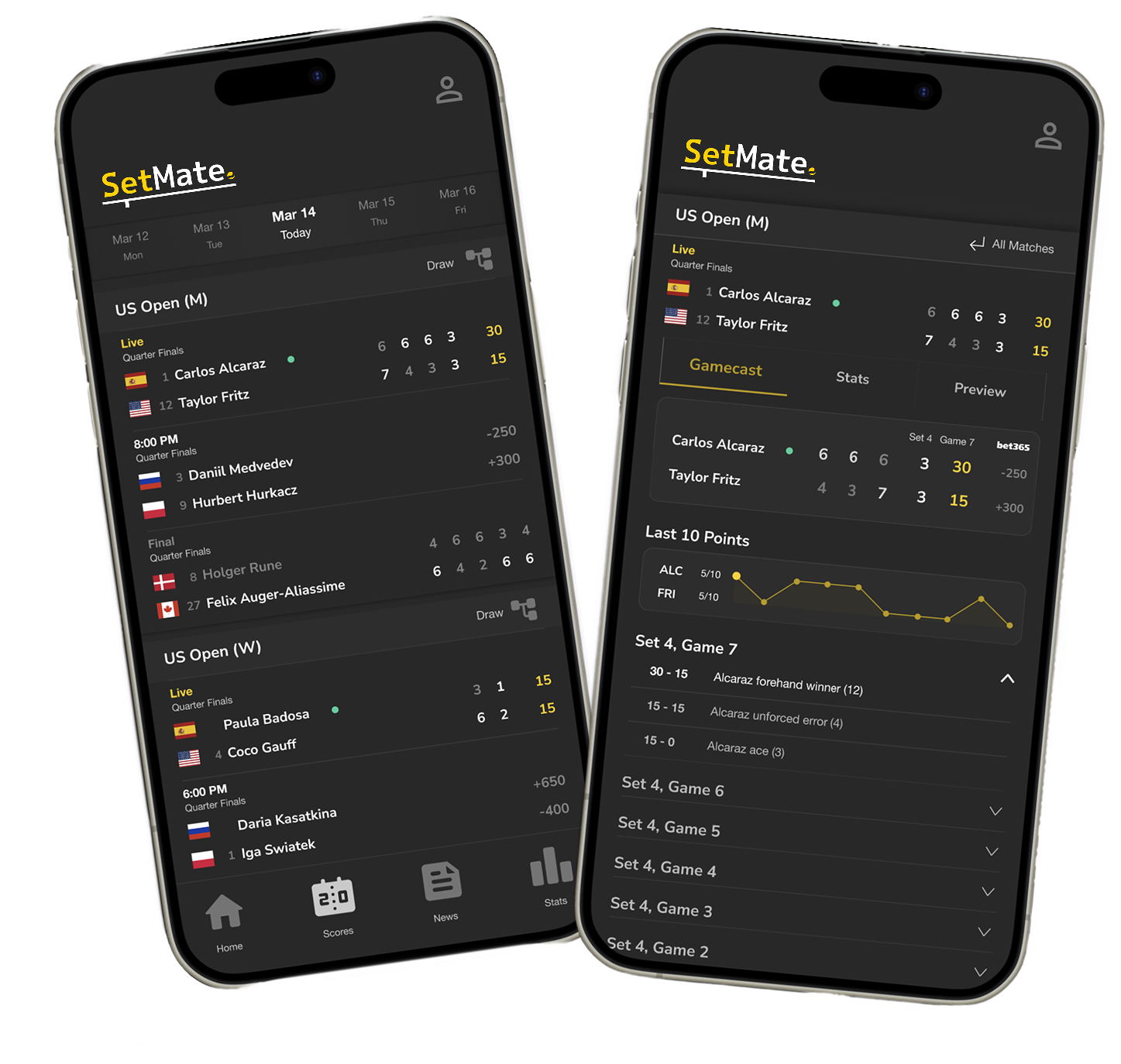

The Problem
How might we create a tennis-first app that delivers real-time clarity, player context, and predictive insights in a way that feels intuitive and engaging?
Tennis fans are forced to toggle between fragmented platforms—score apps, news feeds, and betting sites—just to stay informed. Existing tools either bury tennis coverage or overwhelm users with generic layouts and stats.
Role
Product Designer & Co-founder — led end-to-end product design from concept to launch. Conducted user research, defined the product vision, designed core flows and visual system, and partnered closely with engineering to ship and iterate on a live iOS app.

Process Highlights
1. Framed the opportunity through lived experience and lightweight validation
As avid tennis fans, my co-founder and I experienced firsthand how fragmented the tennis experience is—jumping between score apps, news, and stats just to follow a match. To validate the need, we spoke with other fans and found the same pain: people wanted tennis-first coverage that’s fast, clear, and context-rich. That insight shaped SetMate’s vision: a single, intuitive place for real-time scoring, player context, and smarter insights.
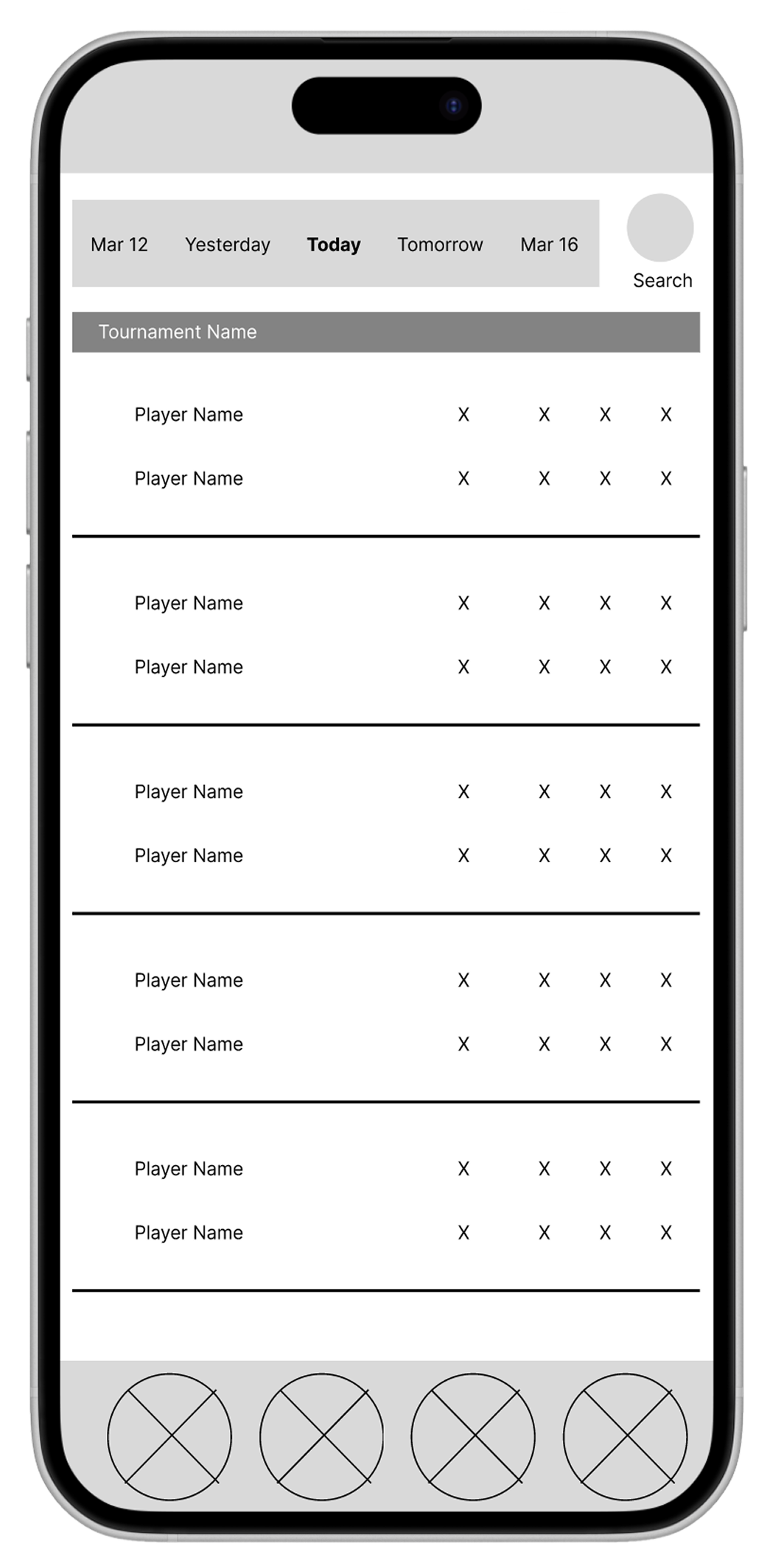
2. Ideated layouts through wireframes using brainstorming exercises like Crazy Eights
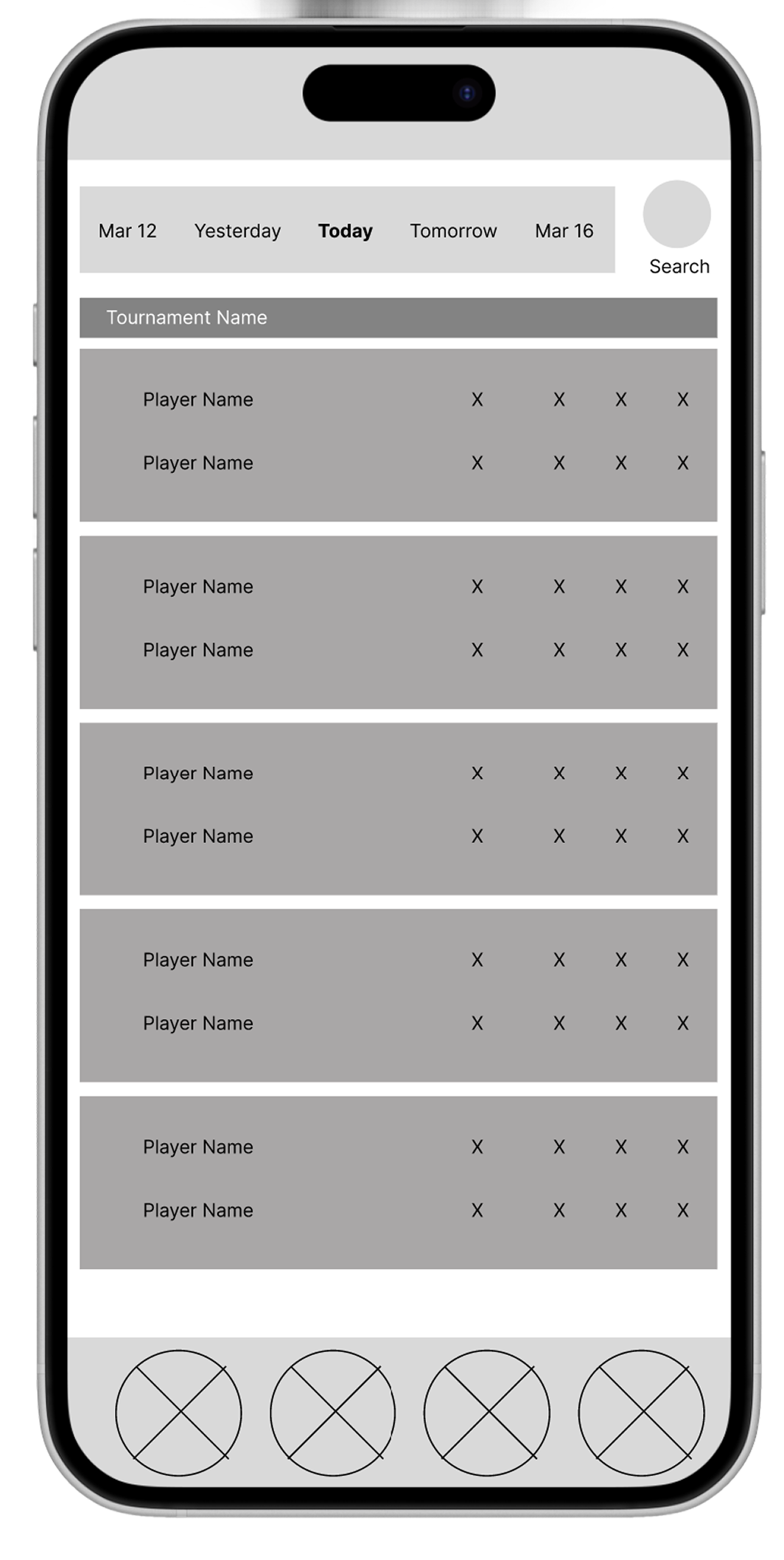
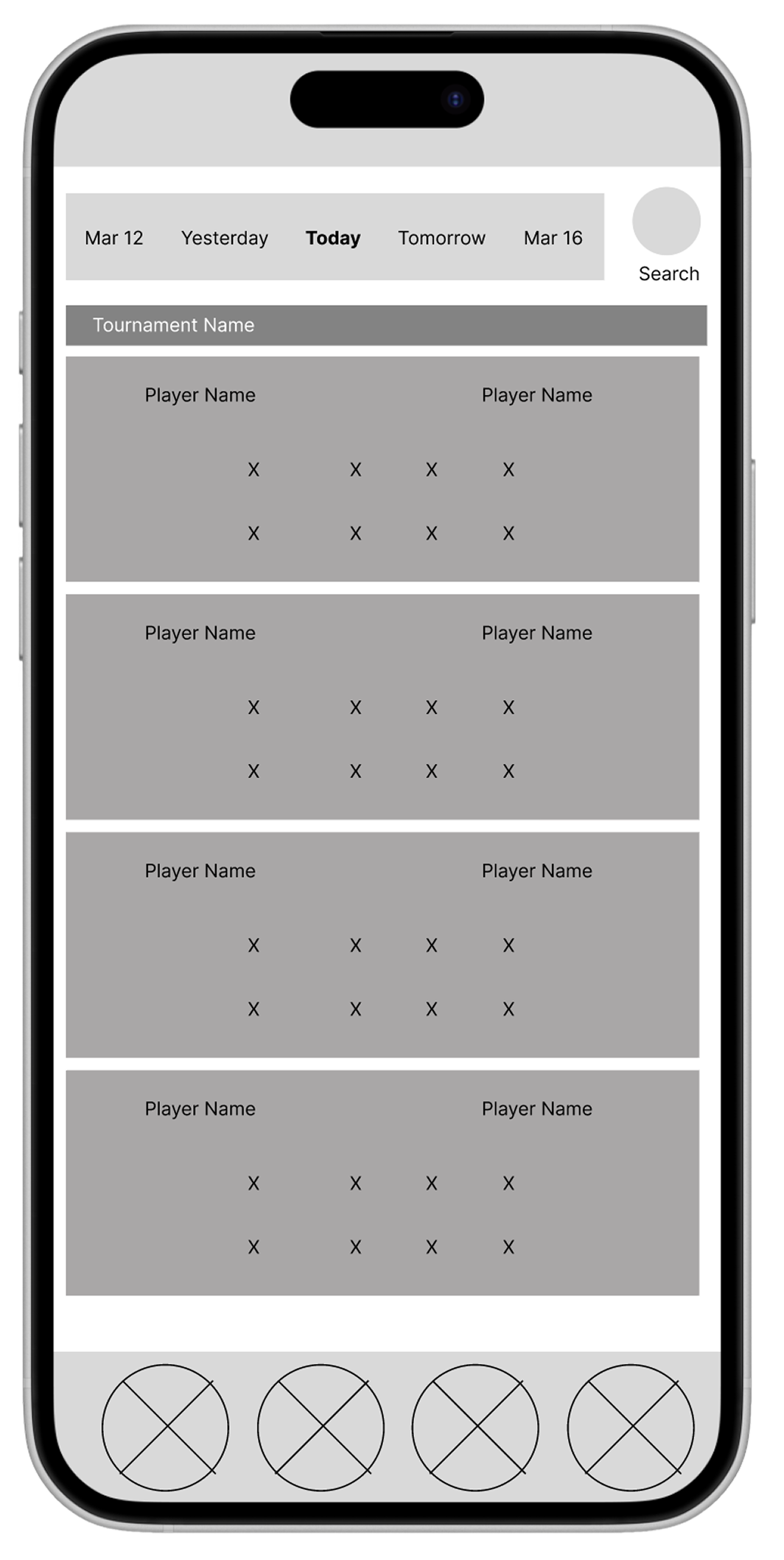
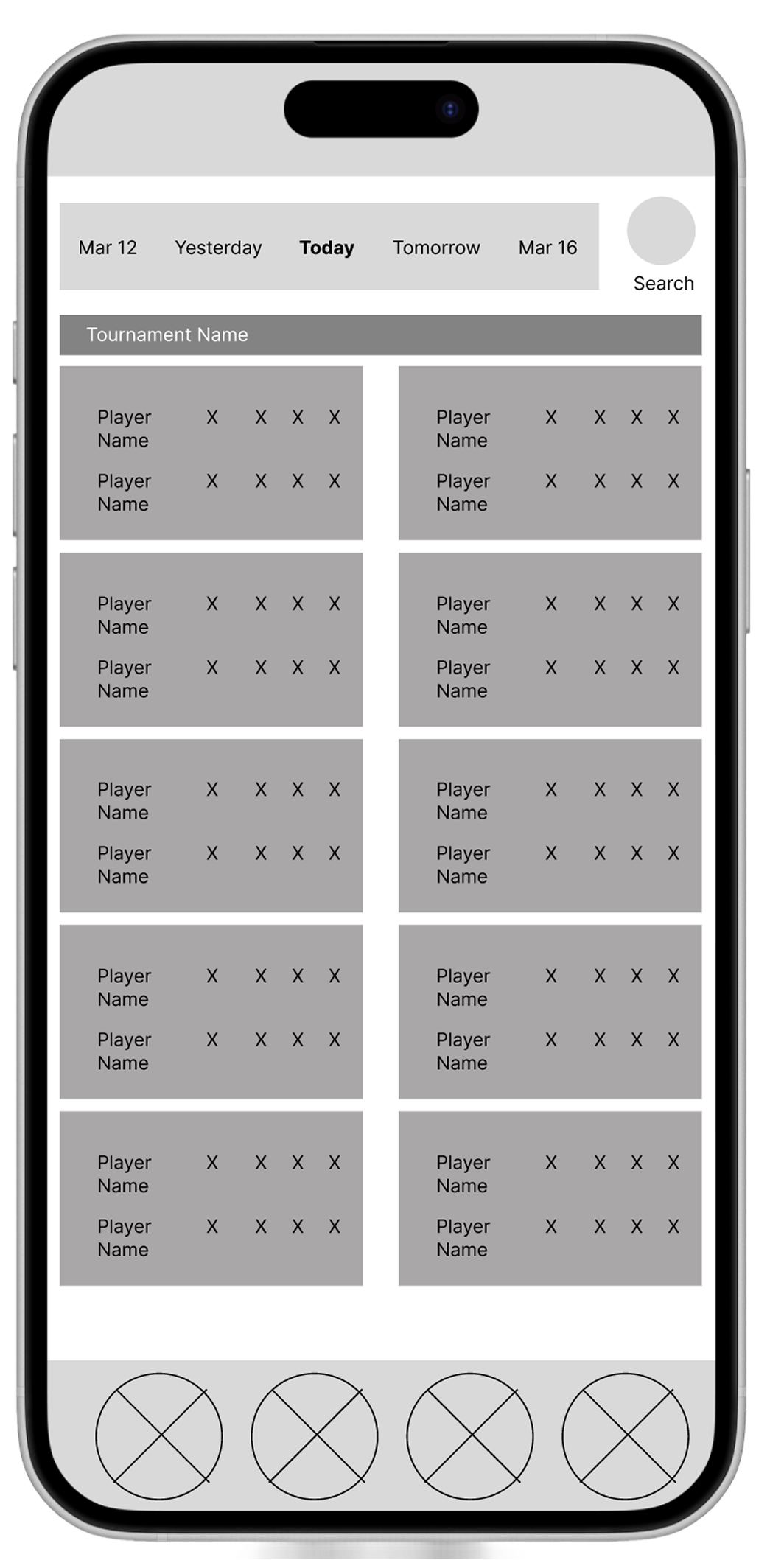
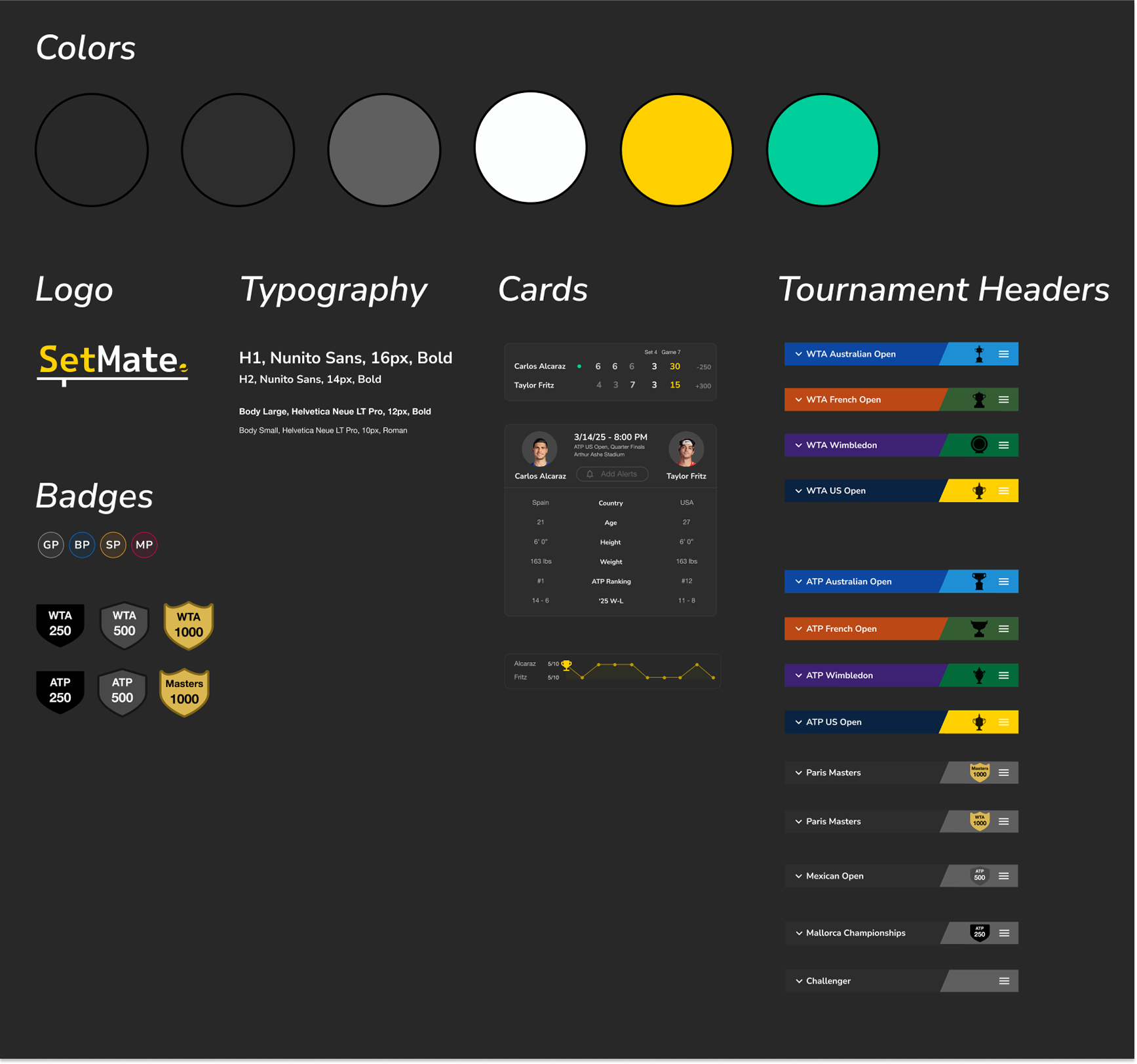
3. Developed a visual design system with reusable components and branding elements like a custom logo
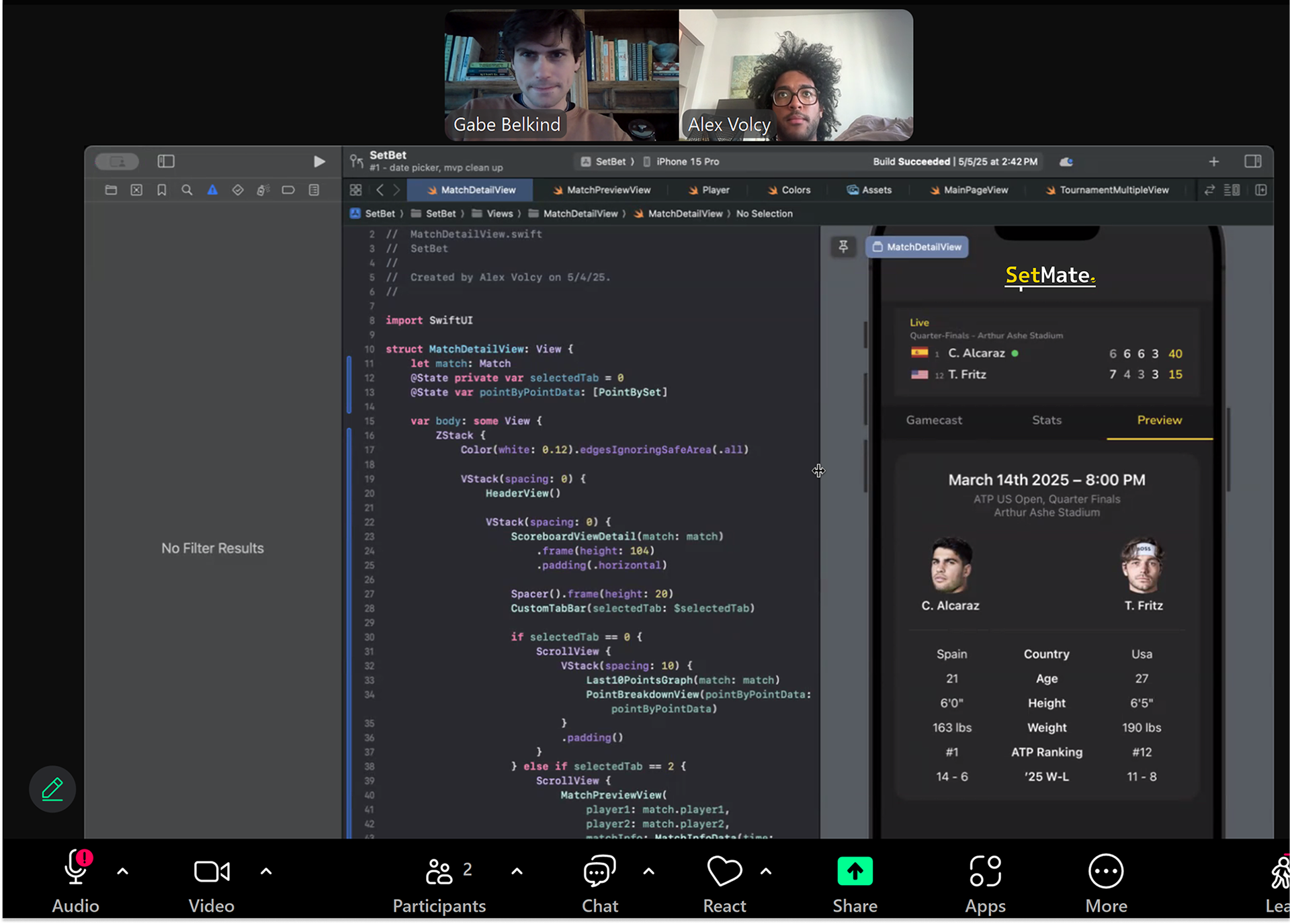
4. Optimizing developer handoffs for faster release times
To speed up development and reduce handoff friction, we starting running live coding sessions in the front end to review layouts, fine-tune spacing, and resolve edge cases early—so fewer issues surfaced in QA.
In parallel, we tightened our Figma files to improve handoff quality. Standardized components, cleaner auto-layouts, and clearer spacing/naming conventions made designs faster to interpret, cut back-and-forth, and helped the build match the intended experience.
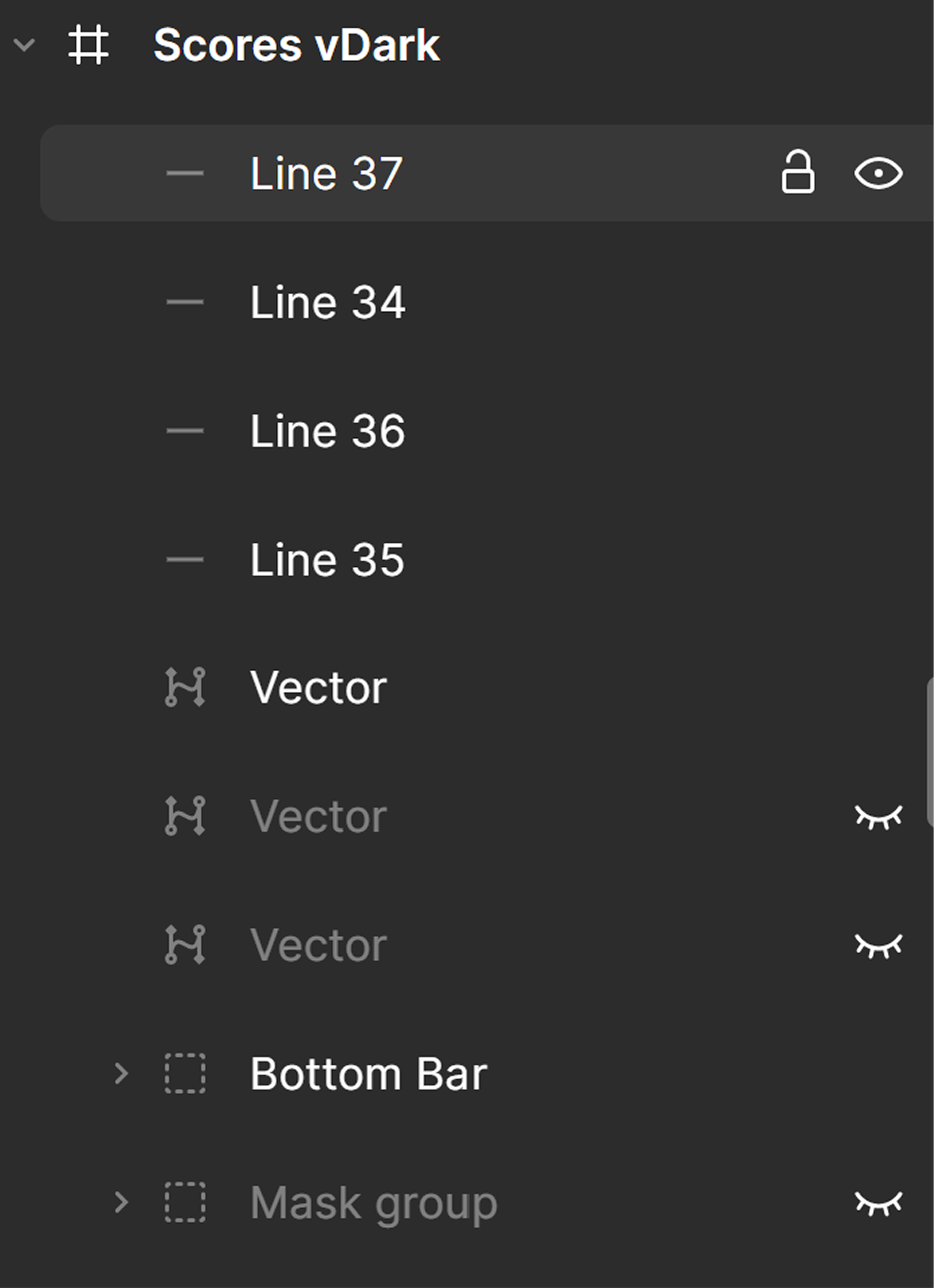
Messy Figma Components
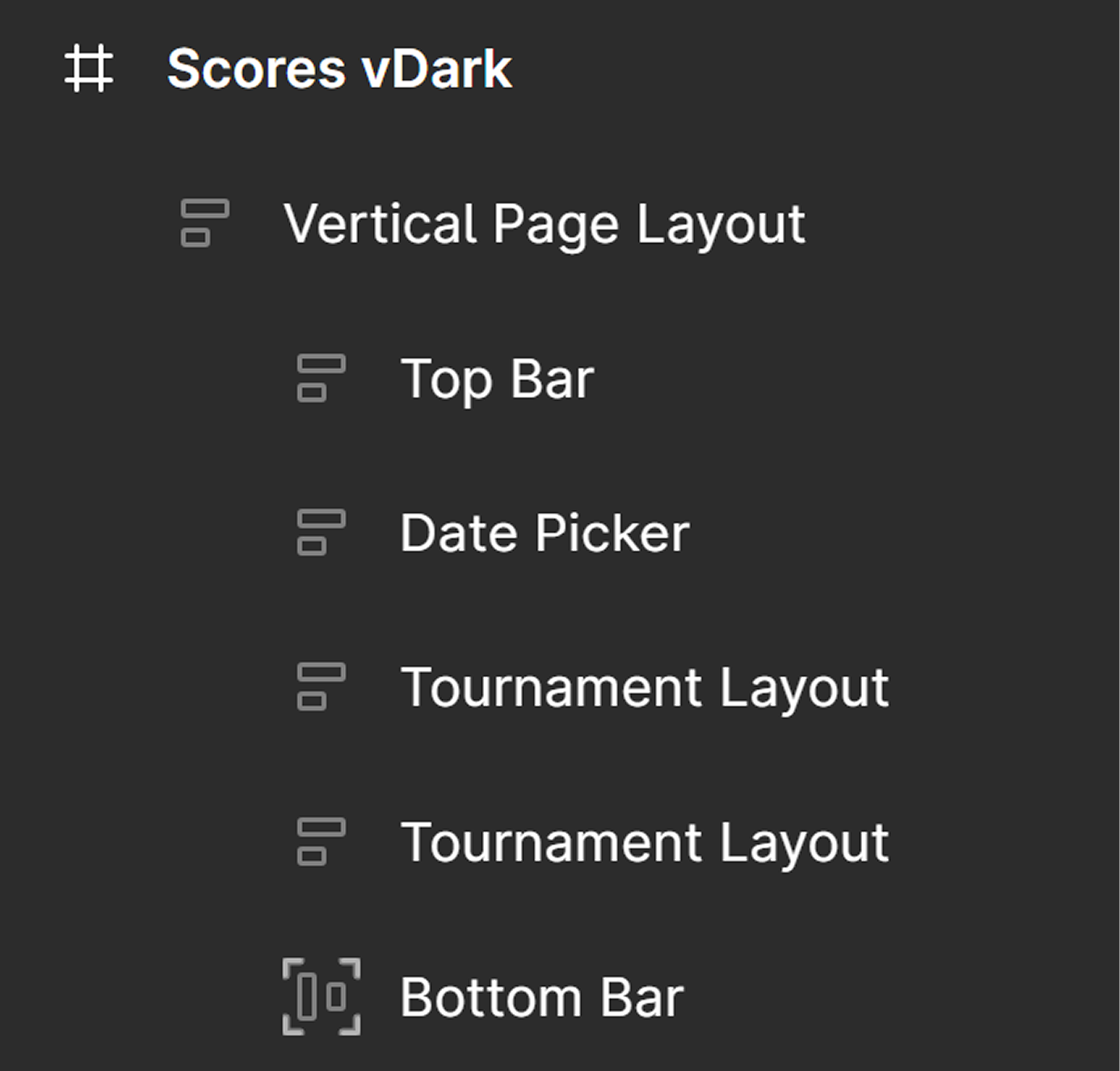
Clean Figma Components
5. Designed mockups and released a TestFlight beta for early feedback with tennis fans
We released an early TestFlight build to a small group of tennis fans to validate core flows and surface usability issues. Testing revealed gaps such as:
• Users expected to swipe between match days rather than rely on static navigation
• Abbreviated player names caused confusion without a clear place to see the full name
These insights led to small but meaningful refinements that improved clarity, discoverability, and overall ease of use before launch.
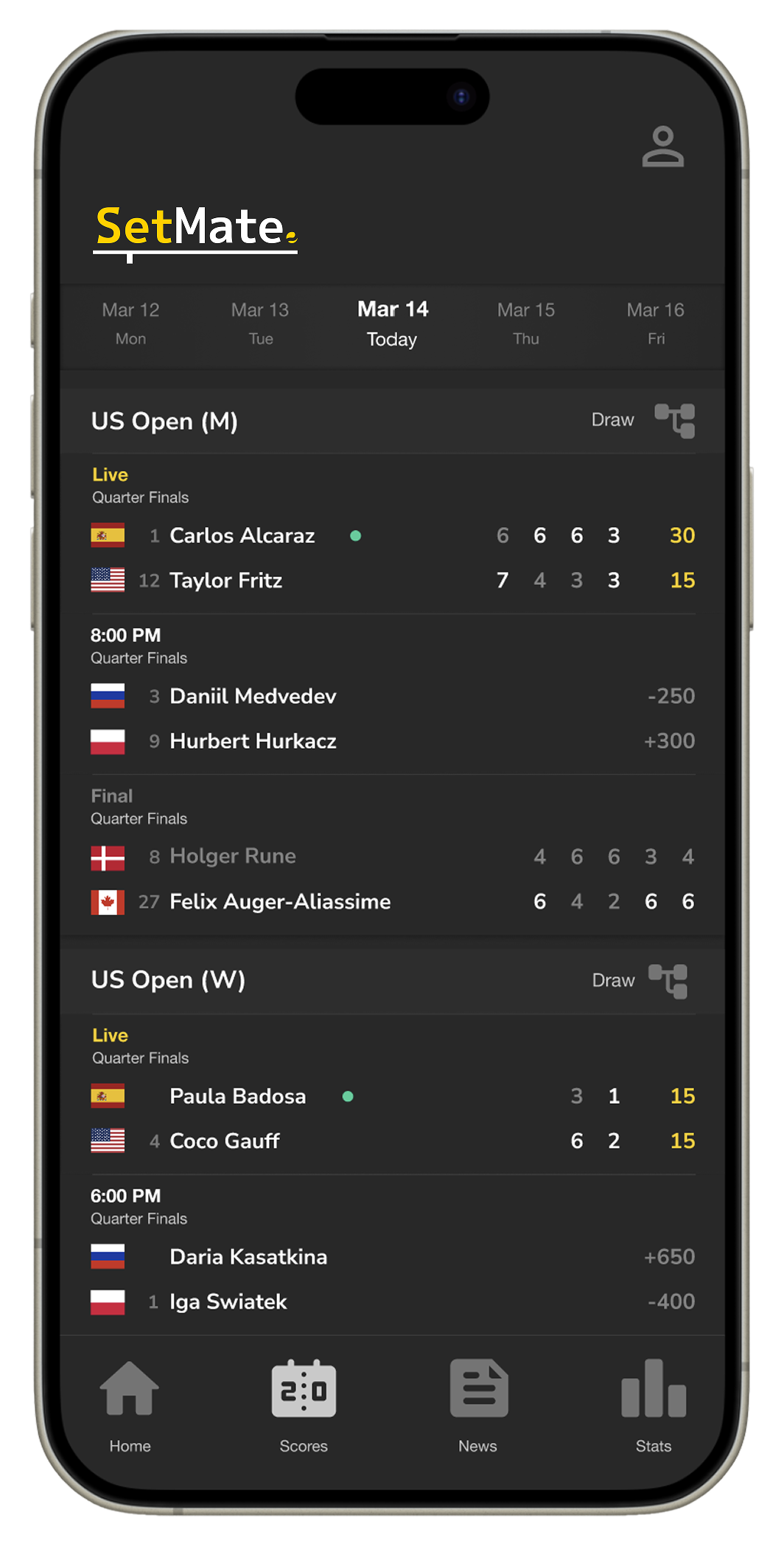
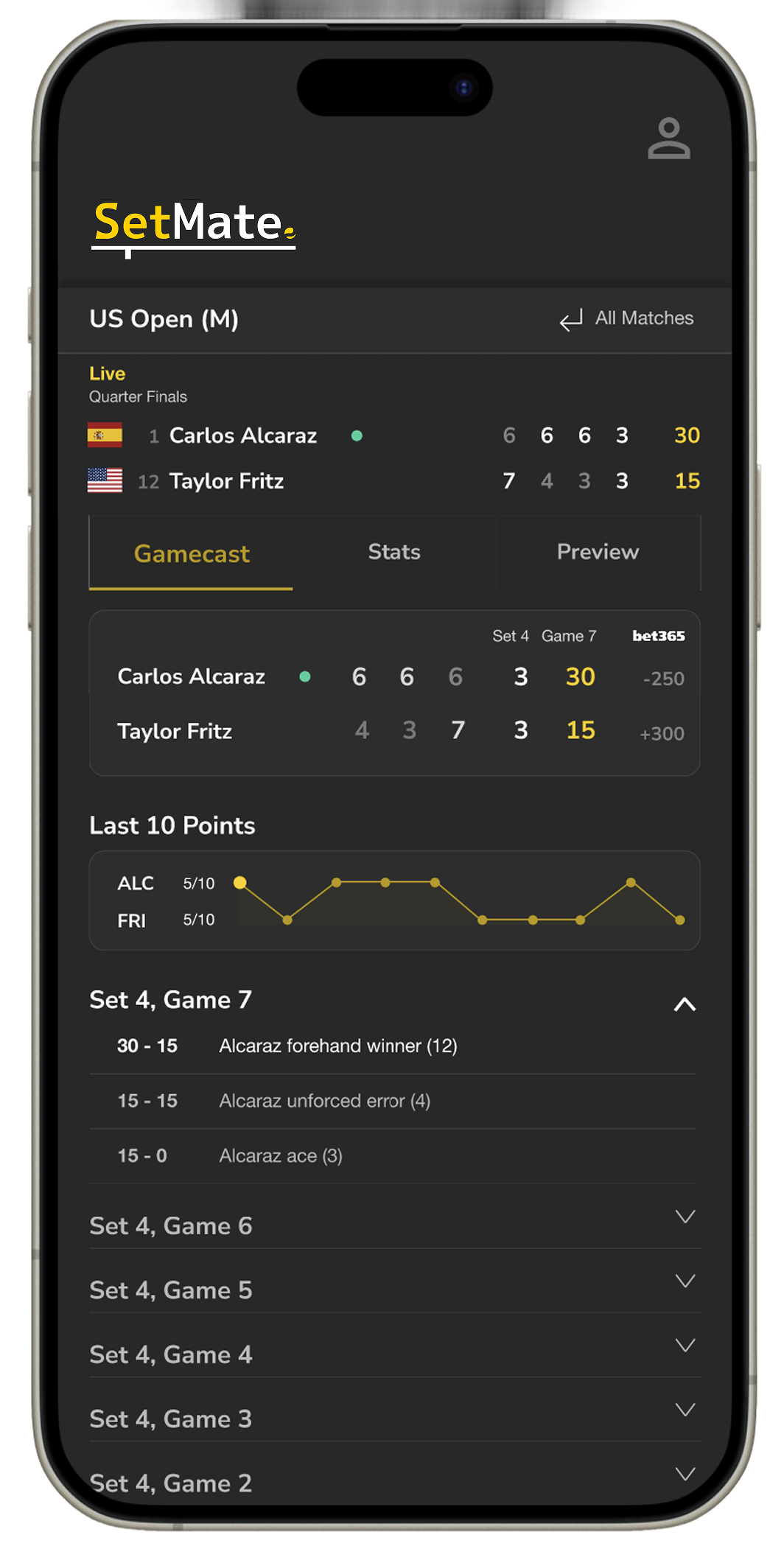
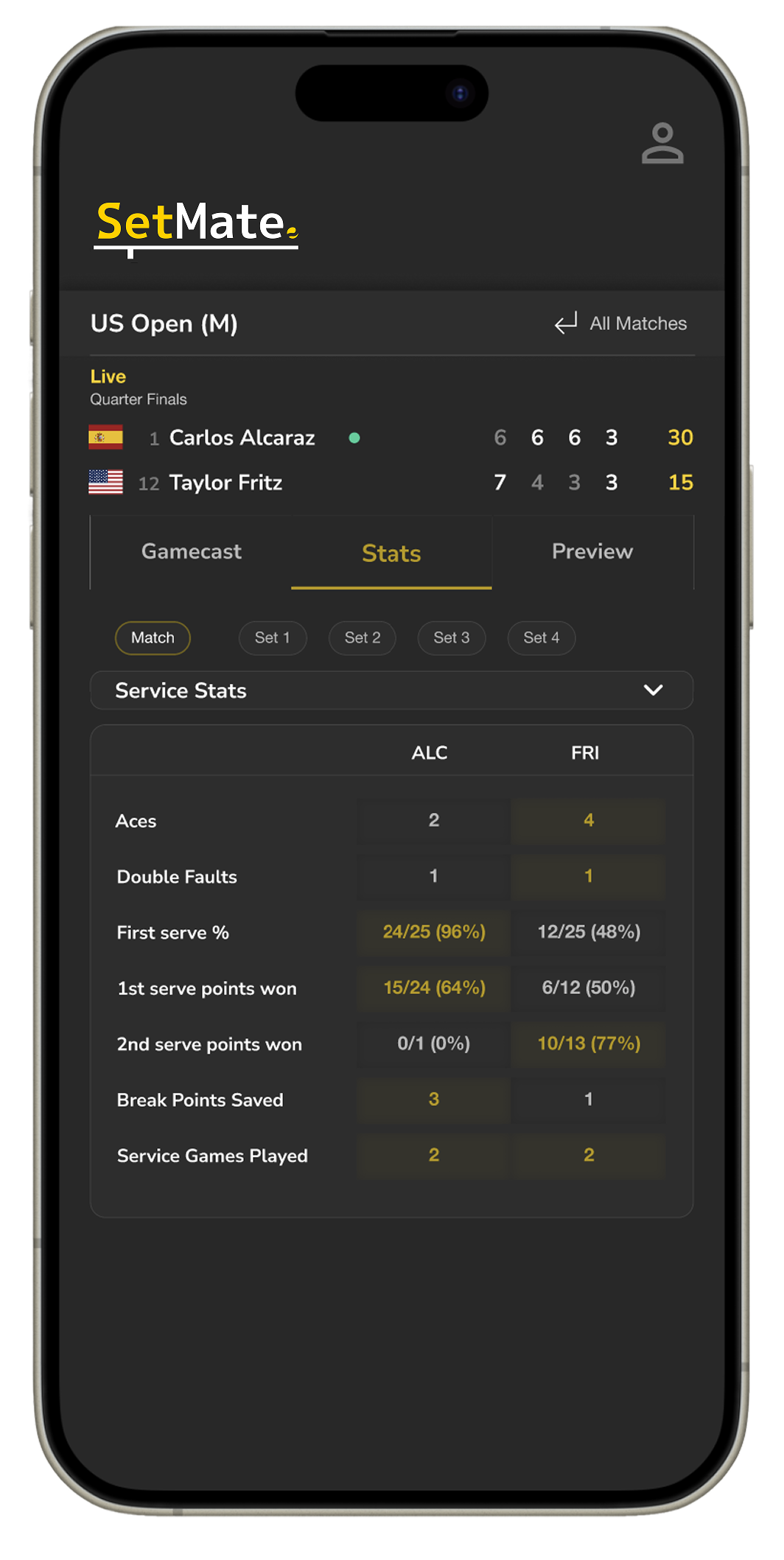
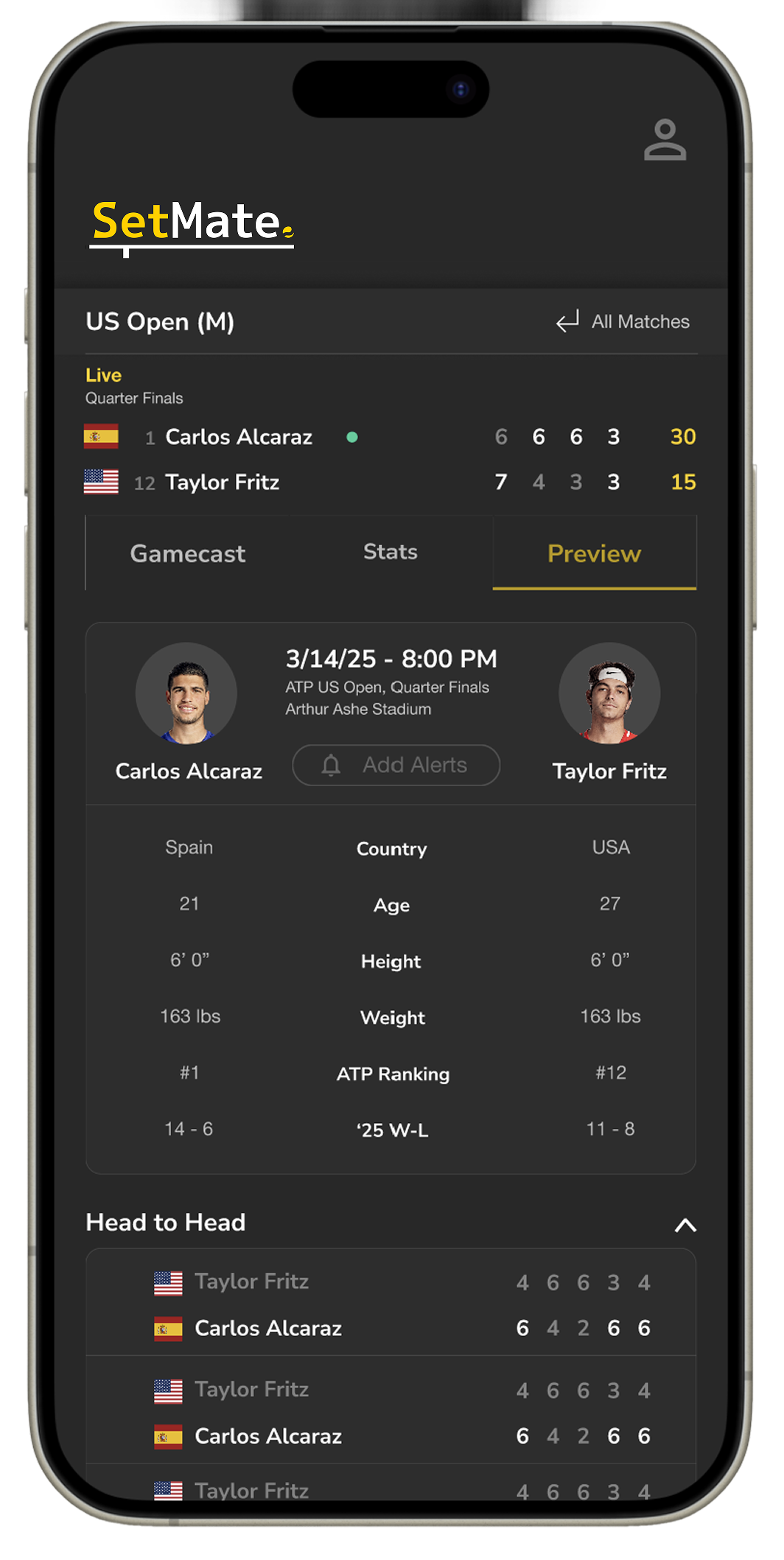
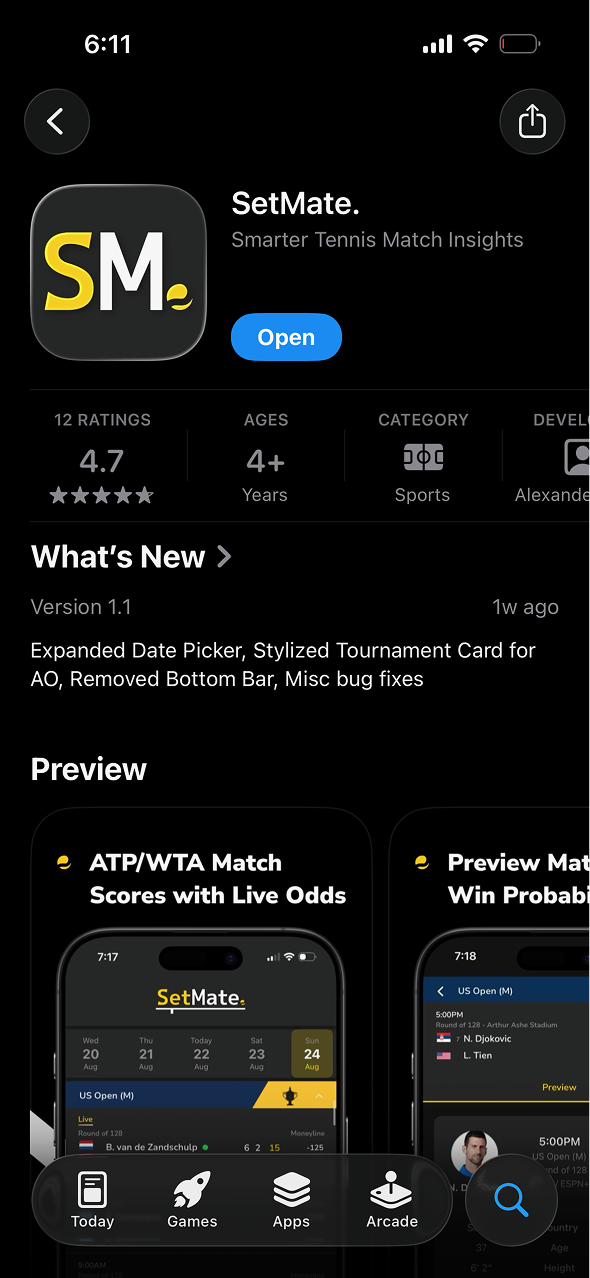
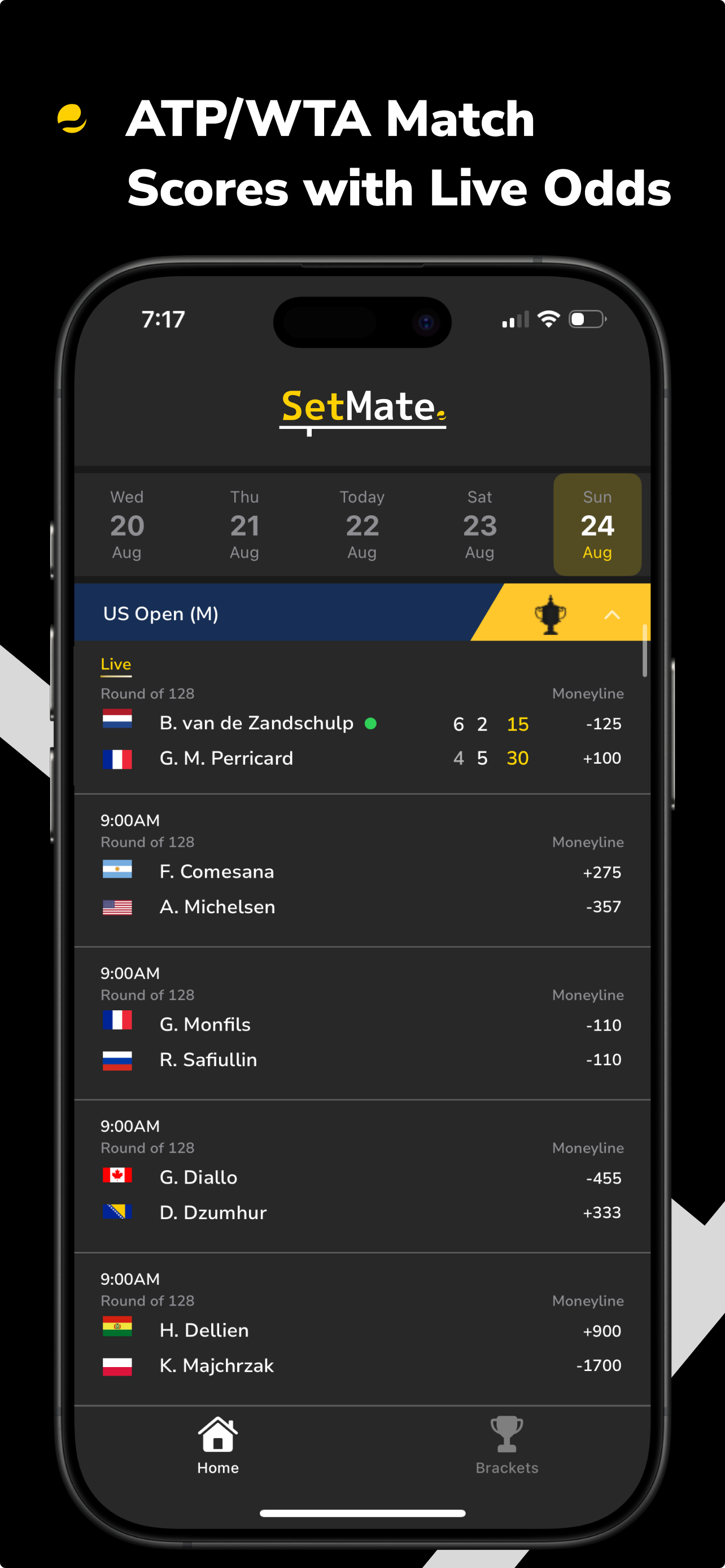
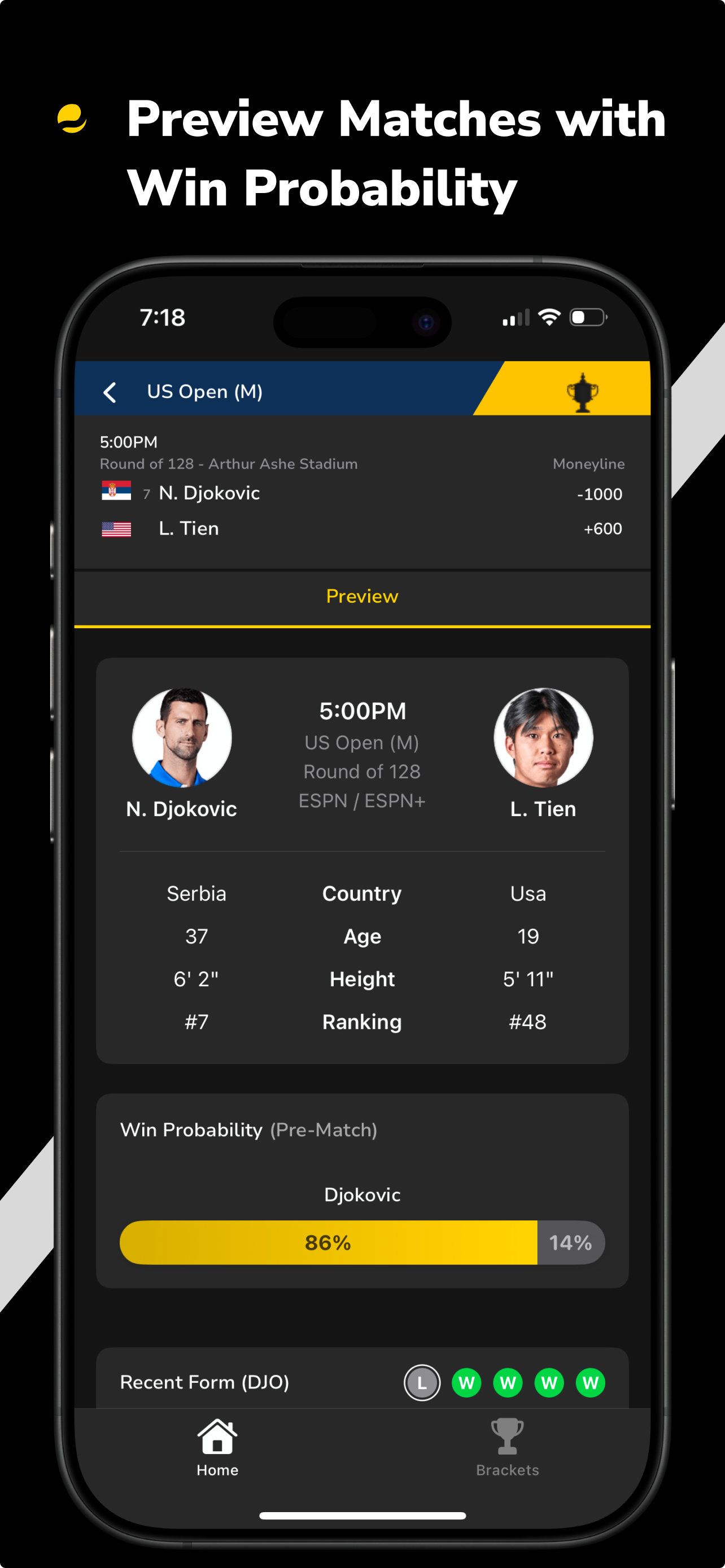
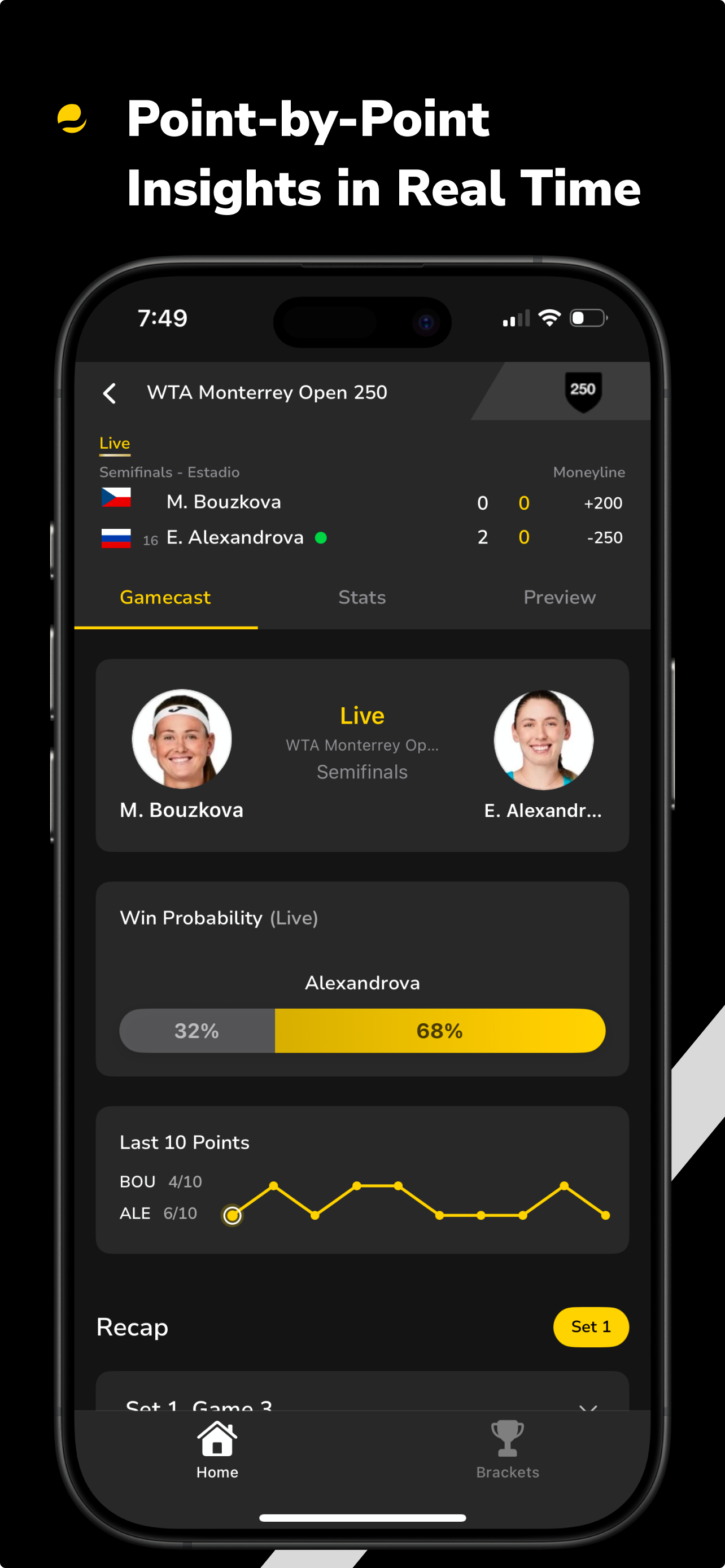
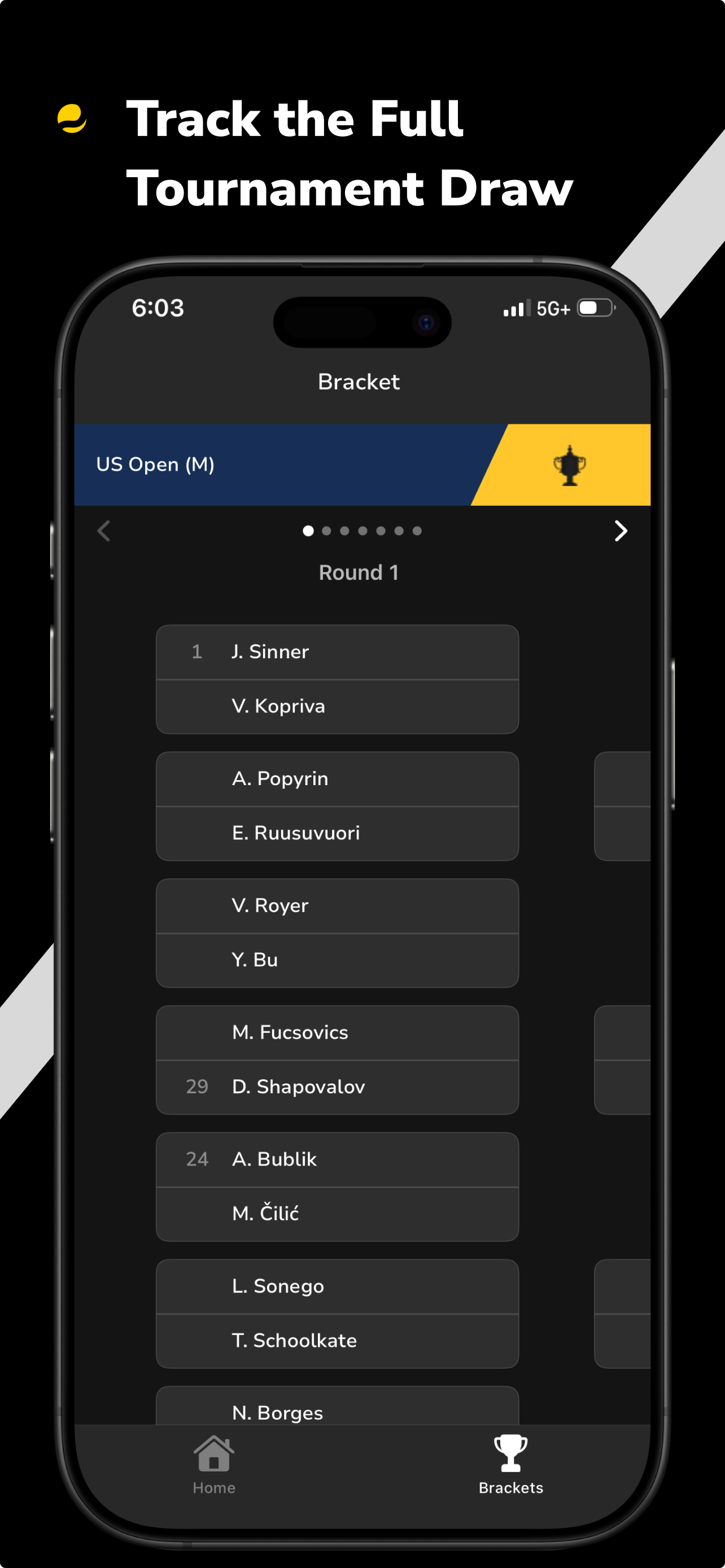
6. Released SetMate on the App Store including designing cohesive go-to-market materials.

Results
100%
Of users said they would use SetMate over mainstream sports apps for tennis
100
Active users gained organically within the first 3 months of launch
Challenges
• Building sustainable features under tight constraints: prioritizing high-impact improvements, reusing existing patterns, and shipping iteratively to deliver real user value with limited time and resources.
Lessons learned
• Improvements to developer handoffs with organized files: Optimizing auto-layouts, spacing, and component naming helped generate cleaner CSS and reduced translation errors during build
• Data Visualization is Key: Complex statistics need intuitive visual representations to be useful for quick decision-making